2026 MacBook Charging Guide: Power Requirements for Neo, M5 Air, and Pro
Plugable Marketing | March 06, 2026

TL;DR
- The MacBook Neo needs 20W (it ships with a 20W adapter) and charges at up to 30W.
- The M5 MacBook Air (13" and 15") needs 30W–40W, and requires 70W+ to reach 50% battery in 30 minutes.
- The 14-inch M5 Pro/Max MacBook Pro needs 70W to 96W, depending on the GPU core count; the 16-inch needs 140W for fast charging.
- To achieve the maximum 140W charging rates on current 140W Macs, the PS-EPR-140C1 needs to be paired with a MagSafe cable (not included). This is because most USB-C connectors are limited to 100W charging.
- USB-C Power Delivery is "negotiated": a MacBook will only draw the power it is rated for, so a 140W charger is safe with lower-power laptops.
Apple’s March 2026 "Big Week" has completely redefined the laptop landscape. With the introduction of the ultra-accessible MacBook Neo alongside the powerhouse M5 Pro and M5 Max MacBook Pros, the "one-size-fits-all" charger era is officially over.
Whether you are a student using the fanless Neo or a creative pro pushing the 16-inch M5 Max, understanding your device's specific power profile is the key to battery health and performance. This guide breaks down the technical requirements for each model and the best-fit solutions from the Plugable ecosystem.
MacBook Charging Requirements at a Glance
| MacBook | Standard requirement | Fast / peak charging | Plugable charger |
|---|---|---|---|
| MacBook Neo | 20W (ships with a 20W adapter) | Up to 30W | PS-30C1W (30W) |
| MacBook Air (M5), 13" and 15" | 30W–40W | 70W+ to reach 50% battery in 30 minutes | PS-40C2W (40W, dual port) |
| MacBook Pro 14" (M5 Pro/Max) | 70W to 96W, depending on the GPU core count | — | PS-EPR-140C1 (140W) |
| MacBook Pro 16" (M5 Pro/Max) | — | 140W, using USB-C PD 3.1 EPR and a MagSafe cable | PS-EPR-140C1 (140W) |
MacBook Neo: The Efficiency King
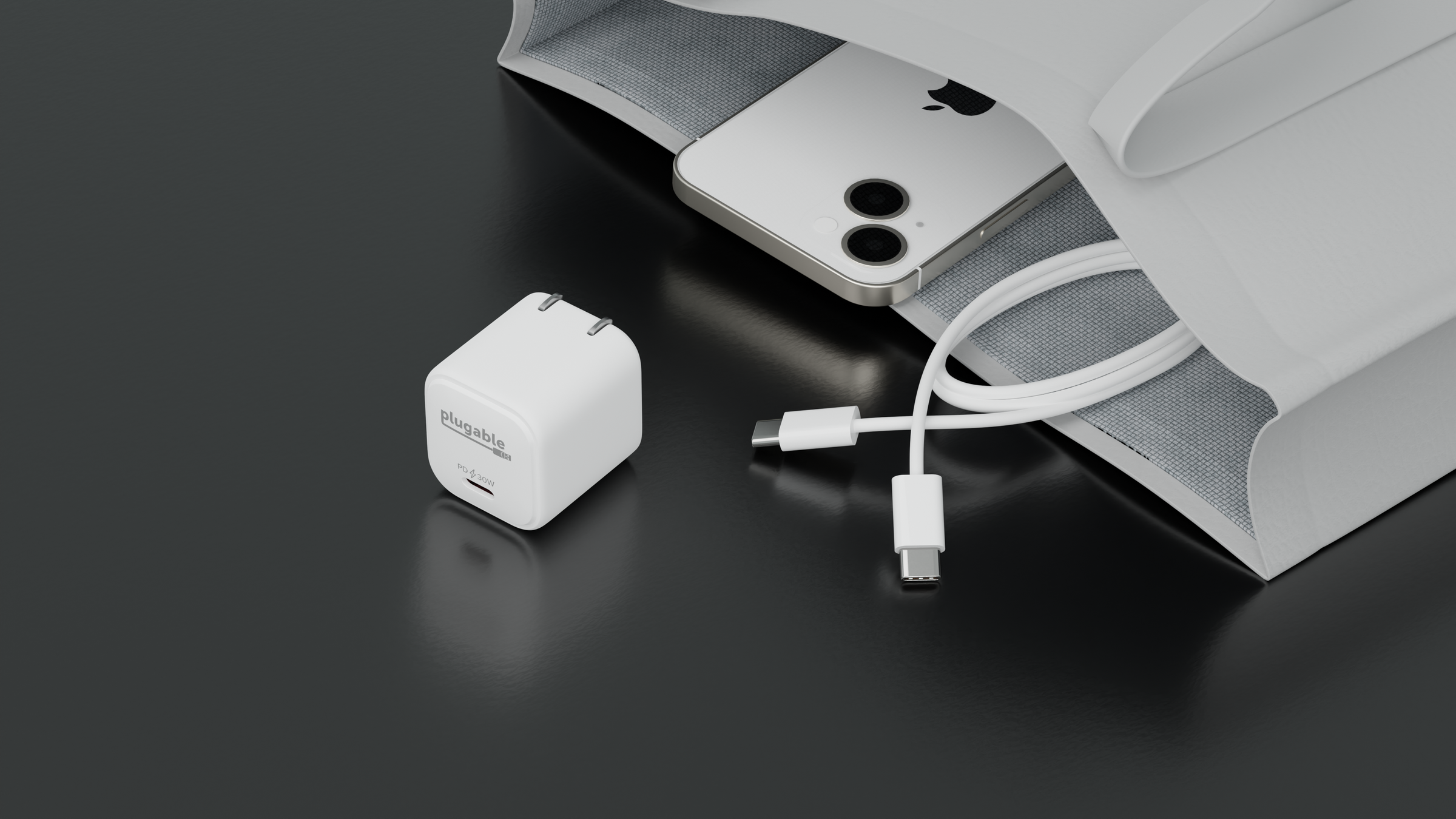
The all-new MacBook Neo (powered by the A18 Pro chip) is built for portability. While it's the first MacBook in years to move away from MagSafe in favor of a simpler USB-C setup, its power needs are remarkably low.
- Standard Requirement: 20W (Ships with a 20W adapter).
- Peak Charging: up to 30W.
- The Solution: The Plugable PS-30C1W. This GaN (Gallium Nitride) charger is smaller than Apple’s base 20W brick but provides a full 30W, ensuring your Neo charges at its maximum supported speed without taking up space in your bag.
MacBook Air (M5): The Balanced Choice
The M5 MacBook Air (13" and 15") retains the MagSafe 3 port we love while increasing efficiency.
- Standard Requirement: 30W–40W.
- Fast Charging: Requires 70W+ to reach 50% battery in 30 minutes.
- The Solution: For daily desk use, the Plugable PS-40C2W is a great charger. This dual-port adapter allows you to power your Air and charge an iPhone simultaneously. It prioritizes charging to the first device connected, then distributes the remaining power to the second device.
MacBook Pro (M5 Pro/Max): The Performance Titans
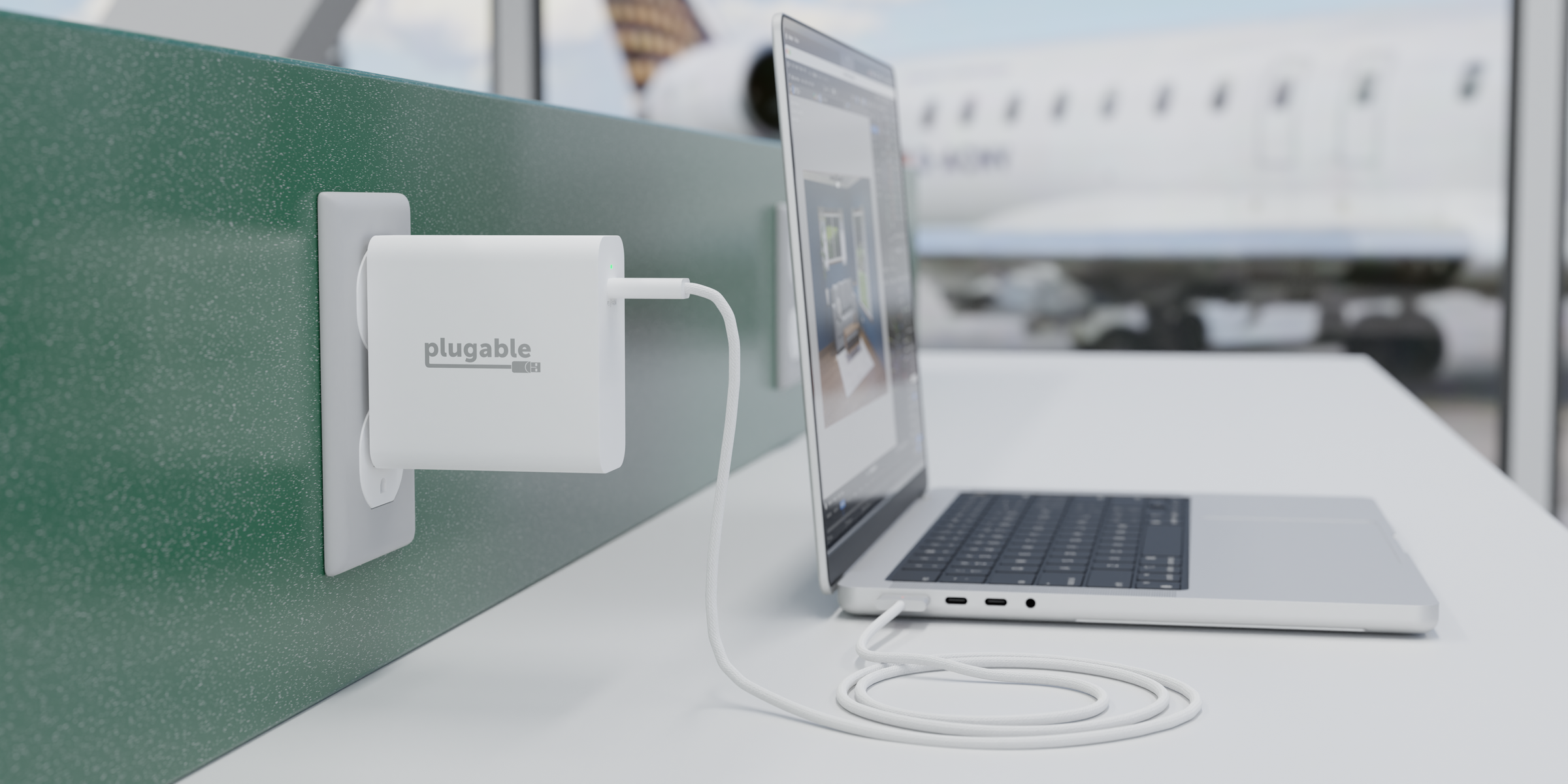
The professional lineup has seen the biggest shift, specifically the 16-inch model, which utilizes the USB-C PD 3.1 EPR (Extended Power Range) standard.
- 14-inch Requirement: 70W to 96W, depending on the GPU core count.
- 16-inch Requirement: 140W for fast charging.
- The Solution: The Plugable PS-EPR-140C1. This 140W GaN charger meets the 28V EPR spec required for the 16-inch model's top speeds while remaining 14% smaller than the Apple equivalent. To achieve the maximum 140W charging rates on current 140W Macs, the power adapter needs to be paired with a MagSafe cable (not included). This is because most USB-C connectors are limited to 100W charging.
Managing a Multi-Mac Setup
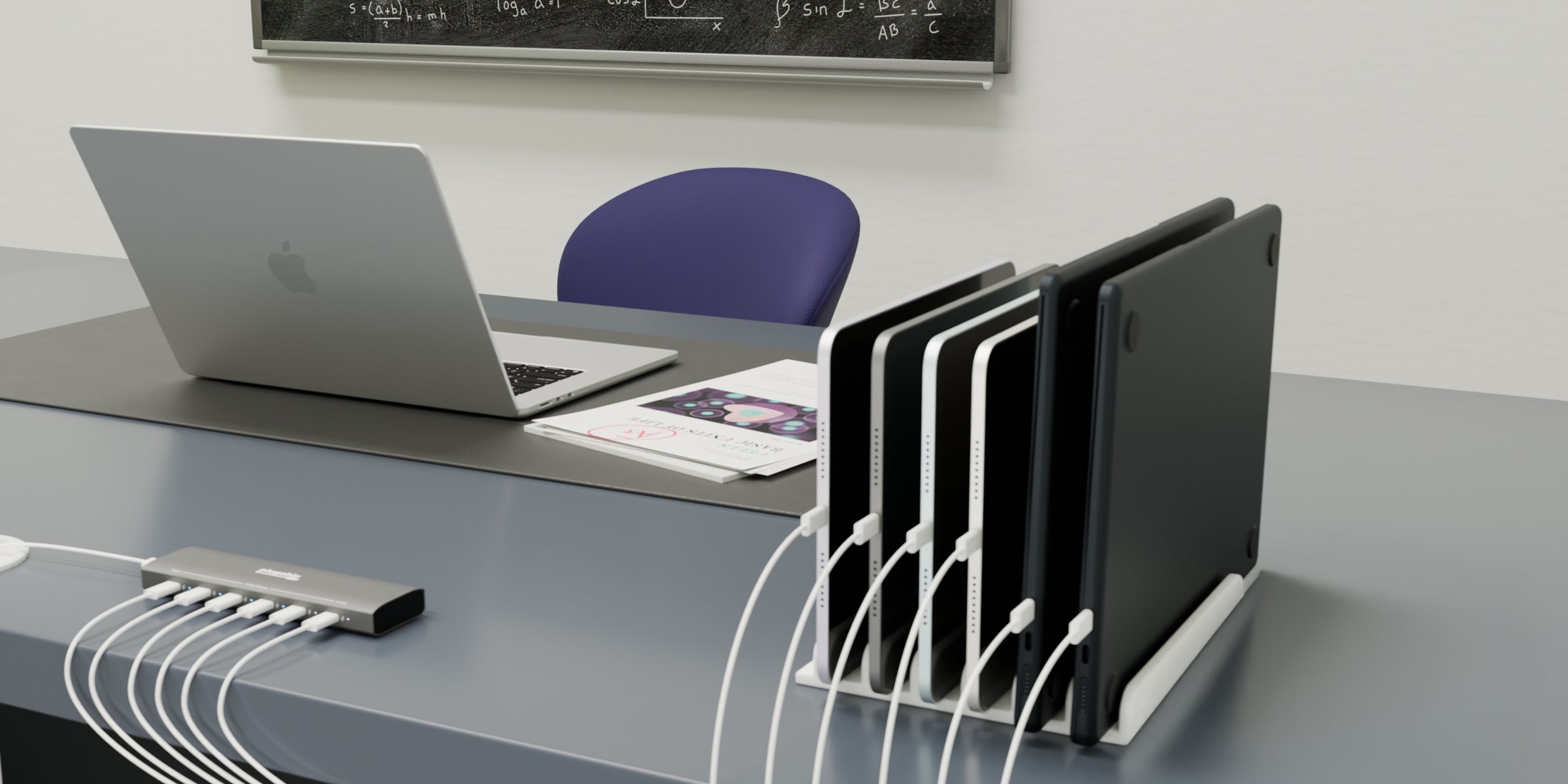
If your household or office has multiple new systems, the Plugable PS-6CC or PS-10CC PriorityShare™ Stations offer an educational lesson in power management. These units don't have their own internal power; instead, they act as a "smart traffic controller" for your existing 140W or 96W Apple brick, cascading power from left to right across 6 or 10 devices.
People Also Ask: MacBook Charging FAQ
What is the minimum wattage required to charge a MacBook Neo?
The MacBook Neo can be charged with as little as 20W. However, for the most efficient experience—especially when using the laptop while charging—a 30W charger like the Plugable PS-30C1W is recommended to reach its peak charging ceiling.
Can I use a 140W charger with a MacBook Air M5?
Yes. USB-C Power Delivery is "negotiated." The MacBook Air M5 will only draw the power it is rated for (up to 70W during fast charging), meaning a 140W charger is perfectly safe and "future-proof" for use with lower-power laptops.
What is USB-C PD 3.1 EPR and why does the 16-inch MacBook Pro need it?
PD 3.1 Extended Power Range (EPR) is a technical standard that allows USB-C to deliver more than the traditional 100W limit. By increasing the voltage to 28V, the 16-inch MacBook Pro can pull the 140W it needs for fast charging. To achieve the maximum 140W charging rates on current 140W Macs, the PS-EPR-140C1 needs to be paired with a MagSafe cable (not included). This is because most USB-C connectors are limited to 100W charging.
Does the MacBook Neo support fast charging via USB-C?
The MacBook Neo is designed for efficiency and does not officially support the "Fast Charge" branding (0-50% in 30 mins) seen on the Air and Pro lines. It maintains a steady charging curve optimized for the A18 Pro chip's thermal limits.
View Other Articles in Category
Related Articles
- Classroom Charging Station Setup: Fix Cable Chaos & Outlet Shortages
- Plugable’s PS-10CC Wins Best in Show at ISTELive 26
- How to Choose the Right USB-C Cable for Your Use Case
- Do You Really Need a 200W+ OEM Dock for Your Enterprise Deployment?
- Move to a New Mac Faster with Plugable Thunderbolt Cables and macOS Migration Assistant


Loading Comments