How Bluetooth Works
Bluetooth uses frequency-hopping spread spectrum, rapidly switching among 79 channels in the 2.4 GHz ISM band to reduce interference from other wireless devices including Wi-Fi. A Bluetooth connection is established through a pairing process: one device advertises its presence, a second device discovers and initiates a connection, and both exchange keys to authenticate and encrypt the link. The resulting network (called a piconet) supports one primary device and up to seven active secondary devices simultaneously, with additional devices parked in a low-power standby state.
Bluetooth Versions and What Changed
Bluetooth 1.x introduced the standard in 1999 with speeds up to 1 Mbps. Bluetooth 2.0 added Enhanced Data Rate (EDR), tripling throughput to 3 Mbps. Bluetooth 3.0 added Wi-Fi as an optional high-speed transport for large transfers. Bluetooth 4.0 introduced Bluetooth Low Energy (BLE), a separate protocol optimized for sensors and devices that transmit small amounts of data infrequently, dramatically reducing power consumption. Bluetooth 5.0 doubled BLE range and quadrupled broadcast capacity. Bluetooth 5.1 added direction-finding for centimeter-level location accuracy. Bluetooth 5.2 introduced LE Audio, a new audio architecture based on the LC3 codec that improves quality at lower bitrates and enables audio sharing to multiple listeners simultaneously. Bluetooth 5.3 and 5.4 added further energy efficiency improvements and periodic advertising enhancements.
Classic Bluetooth vs. Bluetooth Low Energy
The Bluetooth specification contains two distinct radio systems that share a name. Classic Bluetooth (also called BR/EDR) is designed for continuous data streams such as audio, file transfer, and HID devices like keyboards and mice. Bluetooth Low Energy (BLE) is designed for short, infrequent bursts of data from sensors, wearables, beacons, and IoT devices — a heart rate monitor might transmit a few bytes every second and run on a coin cell for a year. Most modern smartphones and computers support both, but an adapter that advertises Bluetooth 4.0 or later typically supports both Classic and BLE unless explicitly stated otherwise.
Range and Interference
Bluetooth is divided into power classes. Class 1 devices transmit at up to 100 mW and can reach 100 meters in open space. Class 2 (most consumer devices) transmit at 2.5 mW with a typical range of 10 meters. Class 3 transmits at 1 mW for ranges under 1 meter. Bluetooth 5.0 and later substantially extend effective range for BLE, particularly in open environments. In practice, walls, furniture, and other 2.4 GHz devices (including microwave ovens and older Wi-Fi networks) reduce range and can introduce interference. The frequency-hopping design mitigates most interference, but congested RF environments may cause audio dropouts or latency.
Compatibility and Pairing
Bluetooth is backward compatible across major versions — a Bluetooth 5.0 device can connect to a Bluetooth 4.x or 3.x device, negotiating the highest common protocol version. However, newer features (LE Audio, extended range, direction finding) only work when both devices support them. One important compatibility consideration: BLE devices do not interoperate with Classic Bluetooth devices and vice versa — they are separate protocols even though they share the Bluetooth name. Audio devices using LE Audio require both source and sink to support Bluetooth 5.2 or later with the LE Audio profile.
Common Use Cases
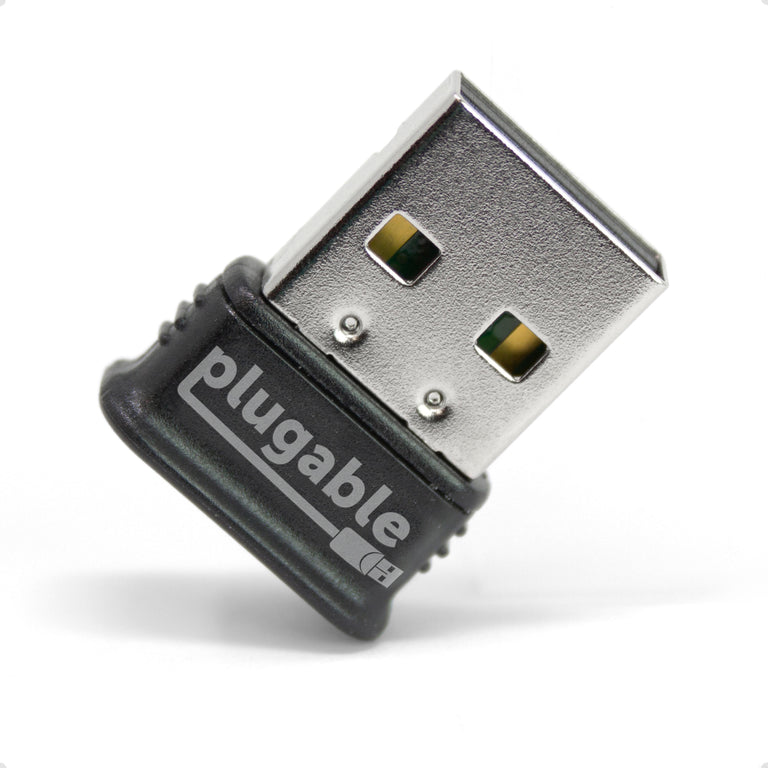
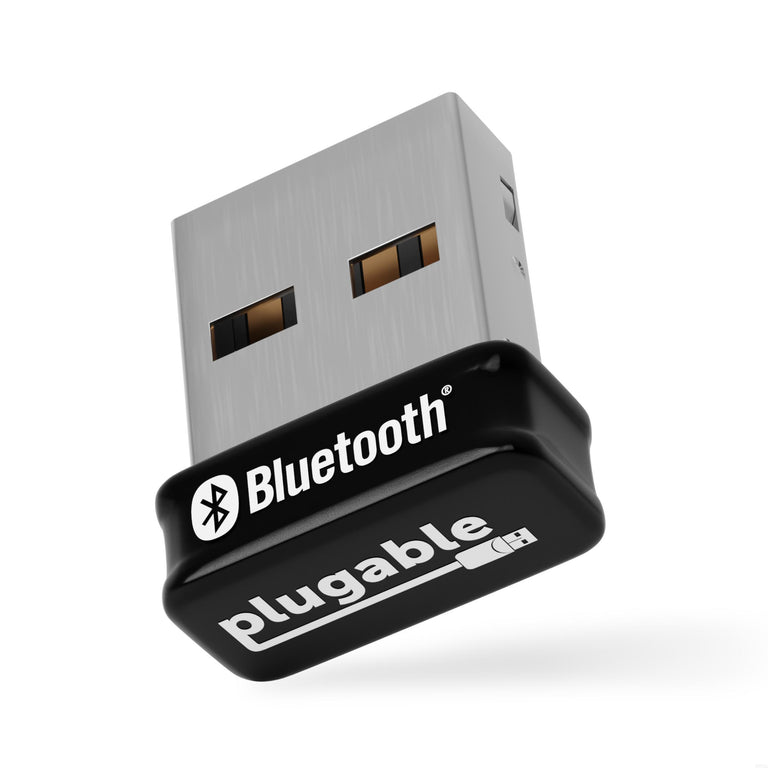
Classic Bluetooth is used for audio (headsets, speakers, A2DP stereo), keyboards, mice, game controllers, and file transfer. BLE is used for fitness trackers, smartwatches, continuous glucose monitors, environmental sensors, asset tracking beacons, and smart home devices. USB Bluetooth adapters add or upgrade the Bluetooth radio in a desktop or older laptop, enabling connection to any of these device types. An adapter that supports Bluetooth 5.0 or later will provide the best range, lowest latency for audio with compatible devices, and support for both Classic and BLE profiles.
Choosing a Bluetooth Adapter
The most important factor is Bluetooth version: Bluetooth 4.0 is sufficient for most peripherals but lacks the range improvements and LE Audio support of newer versions; Bluetooth 5.0 or later is recommended for new purchases. USB form factor matters for fit — nano adapters leave minimal profile when plugged into a laptop, while larger adapters may offer better antenna performance. Driver support varies by OS: Windows 10 and 11 include inbox drivers for most adapters, macOS has stricter chipset requirements, and Linux support varies by chipset. If audio quality is a priority, look for adapters that support aptX or AAC codec passthrough, as both the OS audio stack and adapter firmware affect which codec is negotiated.