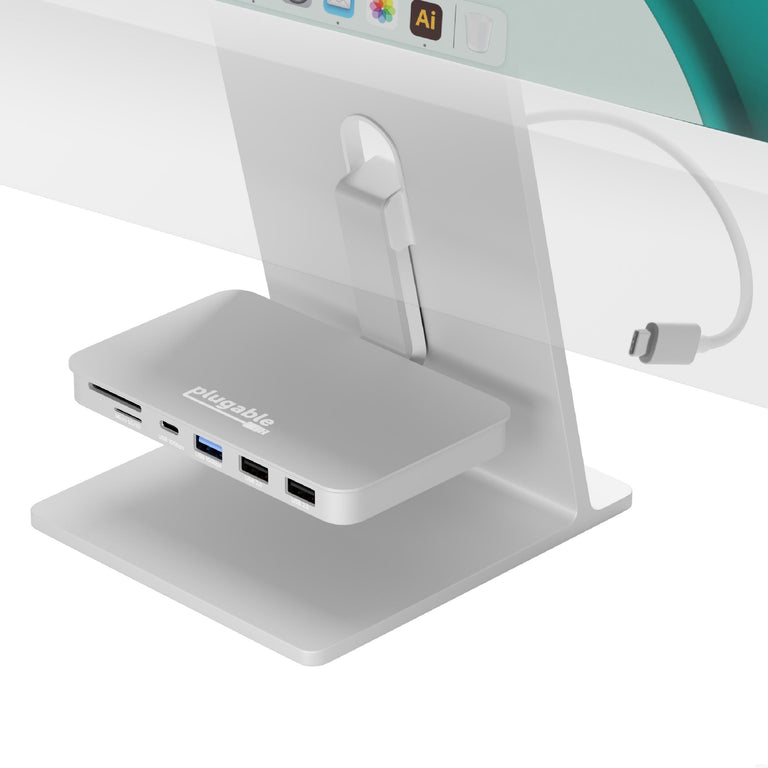
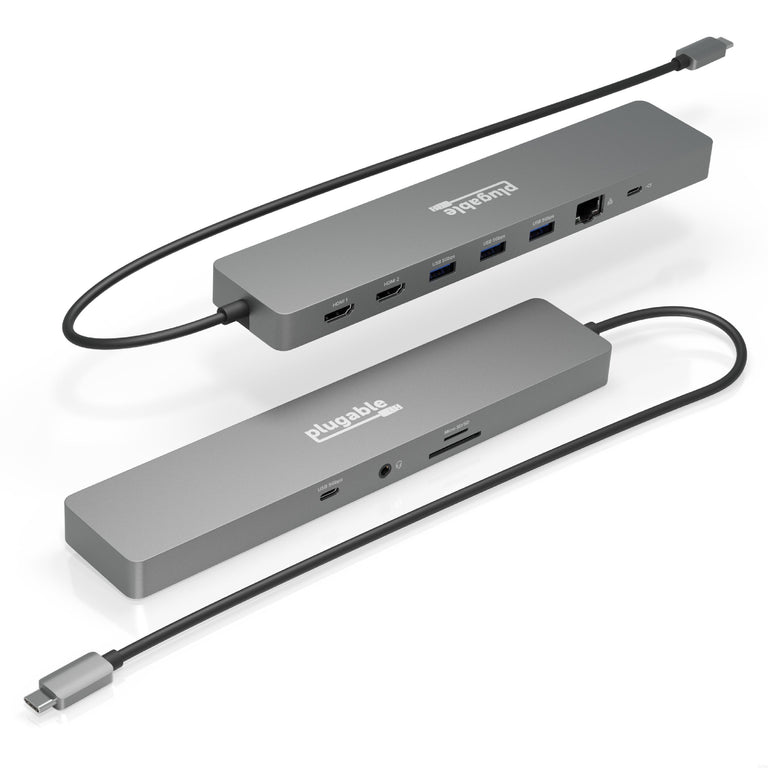
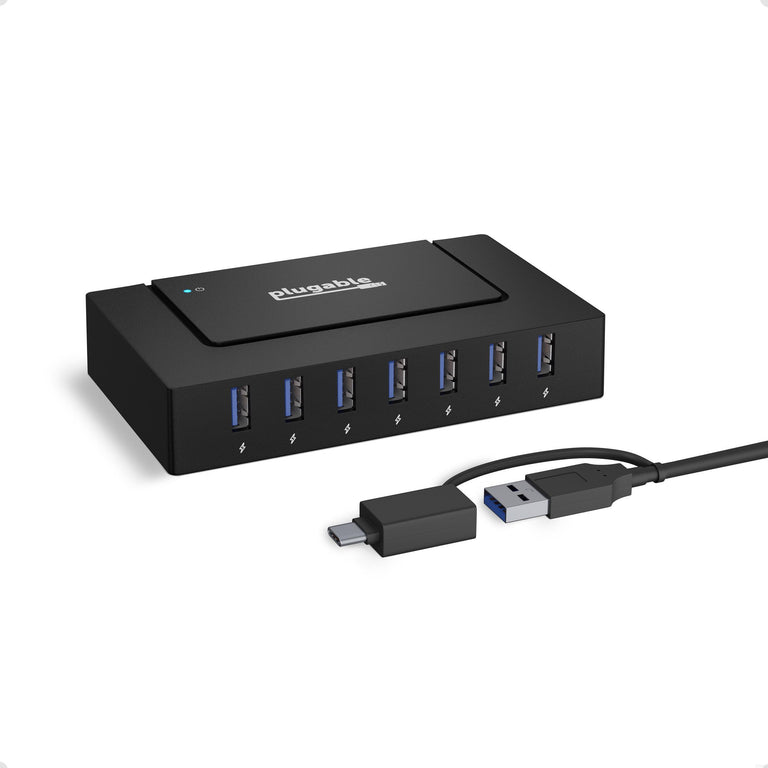
What is a USB-C Hub?

A USB-C hub is a compact connectivity expansion device that plugs into a single USB-C or Thunderbolt port on a laptop, tablet, or smartphone. It provides a variety of additional ports, such as USB-A, HDMI, Ethernet, and SD card slots, allowing users to connect multiple peripherals simultaneously without the need for a full-sized docking station.


USBC-10IN1E Main Image

Plugable USB-C Hub 10-in-1 with 4K 144Hz HDMI, 2.5Gbps Ethernet, 140W Pass-Through Charging

USBC-10IN1E
List Price : $104.99 $74.95
Amazon Rating :  (17 Reviews)
USBC-9IN1E Main Image

Plugable 9-in-1 USB-C Hub with 4K HDMI, 140W Pass-Through Charging

USBC-9IN1E
List Price : $69.99 $49.95
Amazon Rating :  (25 Reviews)

Unavailable or Limited Availability

AD-6IN1 Main Image

Plugable 6-in-1 USB-C Hub for iMac 24 Inch

AD-6IN1
List Price : $89.99 $63.95
Amazon Rating :  (84 Reviews)
USBC-4IN1 Main Image

Plugable 4-in-1 USB-C Hub with 4K HDMI, 100W Charging

USBC-4IN1
List Price : $49.99 $34.95
Amazon Rating :  (97 Reviews)
USBC-HUB4A Main Image

Plugable USB-C 4-Port Hub

USBC-HUB4A
List Price : $34.99 $21.45
Amazon Rating :  (167 Reviews)

Unavailable Directly, Still at Amazon

AMS-5IN1E Main Image

Plugable USB-C 5-in-1 Hub Designed for Apple MagSafe

AMS-5IN1E
List Price : $44.99 $29.95
Amazon Rating :  (183 Reviews)
USBC-11IN1E Main Image

Plugable 11-in-1 USB-C Hub, 100W USB-C Pass-through, Laptop Docking Station Dual Monitor, 4K 60Hz HDMI, Compatible with Thunderbolt, Windows, Chromebooks, Displays Mirrored on Mac

USBC-11IN1E
List Price : $124.99 $87.95
Amazon Rating :  (220 Reviews)

Unavailable Directly, Still at Amazon

USBC-HUB7BC Main Image

Plugable USB 3.0 and USB-C 7-Port Charging Hub

USBC-HUB7BC
List Price : $79.99 $54.95
Amazon Rating :  (237 Reviews)
USBC-7IN1E Main Image

Plugable USB-C 7-in-1 Hub with Ethernet

USBC-7IN1E
List Price : $59.99 $39.95
Amazon Rating :  (492 Reviews)
USBC-MD103 Main Image

Plugable USB-C Multiport Adapter

USBC-MD103
List Price : $59.99 $39.95
Amazon Rating :  (539 Reviews)
USBC-7IN1 Main Image

Plugable USB-C 7-in-1 Hub

USBC-7IN1
List Price : $49.99 $34.95
Amazon Rating :  (1502 Reviews)

Unavailable Directly, Still at Amazon

USB3-HUB3ME Main Image

Plugable USB 3.0 3-Port Bus Powered Hub with Gigabit Ethernet

USB3-HUB3ME
List Price : $49.99 $34.95
Amazon Rating :  (512 Reviews)

Understanding the Role of a USB-C Hub

As modern laptops become thinner and more portable, they often sacrifice dedicated ports for peripheral connectivity. A USB-C hub bridges this gap by expanding a single port into multiple connection points. Unlike docking stations, which are typically designed for permanent desktop use, hubs are compact and bus-powered, making them the ideal solution for users who need to maintain a professional workflow while traveling or working in shared spaces.

Connection Standards and Data Transfer Speeds

USB-C hubs utilize various data transfer standards, most commonly USB 10Gbps, providing faster access to high-speed storage and more responsive peripheral connections. Understanding these standards is important for ensuring that your hub can handle the data throughput required by your specific devices.

Essential Ports for Modern Workflows

The most versatile USB-C hubs include a mix of legacy and modern ports to support a wide range of devices. USB-A ports remain necessary for keyboards, mice, and thumb drives, while HDMI outputs allow for the connection of external monitors. For photographers and videographers, integrated SD and microSD card slots provide a convenient way to offload media without needing separate adapters.

Power Delivery (PD) Passthrough Charging

Many USB-C hubs feature a dedicated USB-C Power Delivery passthrough port. This allows you to connect your laptop's original power adapter to the hub, which then passes power through to the host device while also supporting connected peripherals. This is a critical feature for laptops with a limited number of ports, as it ensures you don't have to choose between charging your device and using your external hardware.

Design, Portability, and Build Quality

USB-C hubs are designed with portability in mind, often featuring lightweight aluminum housings that provide both durability and efficient heat dissipation. All models include a built-in 'pigtail' cable for flexibility. When choosing a hub, consider the cable length and the spacing between ports to ensure that bulky connectors don't block adjacent slots.

Compatibility Across Operating Systems

USB-C is a universal standard, meaning that most hubs are plug-and-play across Windows, macOS, iPadOS, ChromeOS, and Android. However, specific features like multi-monitor support or specialized video output (MST) may vary depending on the host device's hardware capabilities. It is always recommended to verify that your device supports 'DisplayPort Alternate Mode' if you intend to use the hub's video outputs.

Choosing the Right USB-C Hub for Your Needs

When selecting a USB-C hub, start by listing the specific peripherals you need to connect on a daily basis. If you frequently present at meetings, prioritize a hub with a reliable HDMI output. If you are a mobile professional, a multi-port adapter with integrated Ethernet may be essential for stable networking. By balancing port variety with size and bandwidth, you can find a hub that perfectly complements your mobile workstation.

Frequently Asked Questions

Most laptops with a USB-C, Thunderbolt, or USB4 port can use a USB-C hub for basic USB data expansion. However, to use video outputs like HDMI or DisplayPort, the host port must support 'DisplayPort Alternate Mode' (Alt Mode). Checking your laptop's specifications for Alt Mode support is the best way to ensure compatibility.

Most USB-C hubs are bus-powered, meaning they draw the small amount of energy they need directly from the host laptop. However, many hubs include a Power Delivery (PD) passthrough port that allows you to connect your laptop's charger to the hub to keep your system powered while in use.

Most compact USB-C hubs support a single external monitor at resolutions up to 4K. Some specialized multi-port adapters can support two displays, though this often requires the host device to support Multi-Stream Transport (MST) or specific driver-based technologies like DisplayLink.

Yes, if the hub is equipped with a Power Delivery (PD) passthrough port. You can plug your laptop's USB-C power adapter into the hub, and it will charge your laptop while also providing connectivity for all your other peripherals.

In most cases, USB-C hubs are entirely plug-and-play and do not require any additional software or drivers. Basic functions like USB-A ports, HDMI output, and SD card readers are handled natively by the operating system on Windows, macOS, and ChromeOS.