
How Do I Install Easy Computer Sync Software?
Applicable To
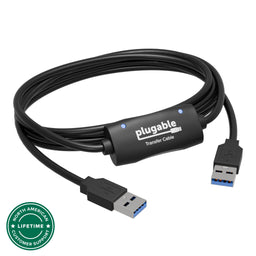
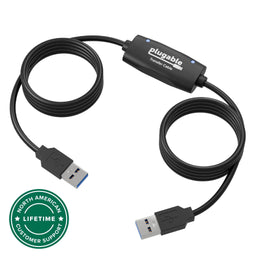
- Plugable Easy Transfer Cables, USB-EASY-TRAN, USB3-TRAN, USBC-TRAN, TBT-TRAN
- Windows computers
This guide provides the necessary steps to install the Bravura Easy Computer Sync software onto your Windows computers for use with Easy Transfer Cables. Completing this installation enables the various transfer modes between connected computers.
Instructions
Download the latest version of Easy Computer Sync and save it to your default Downloads folder or another preferred location.
-
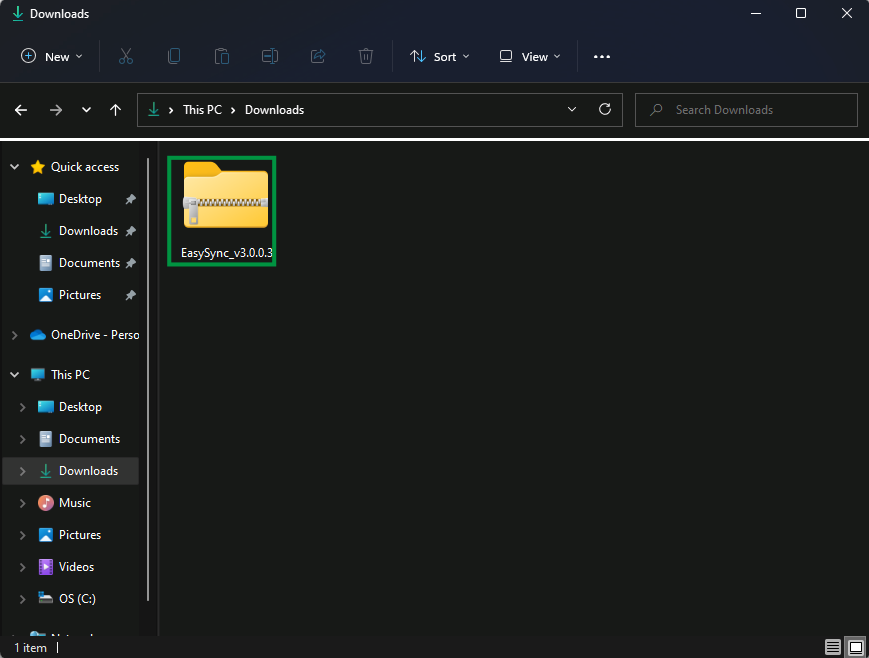
Go into your chosen folder and double-click on the EasySync_v3.0.0.3.zip file to open the archive.
-
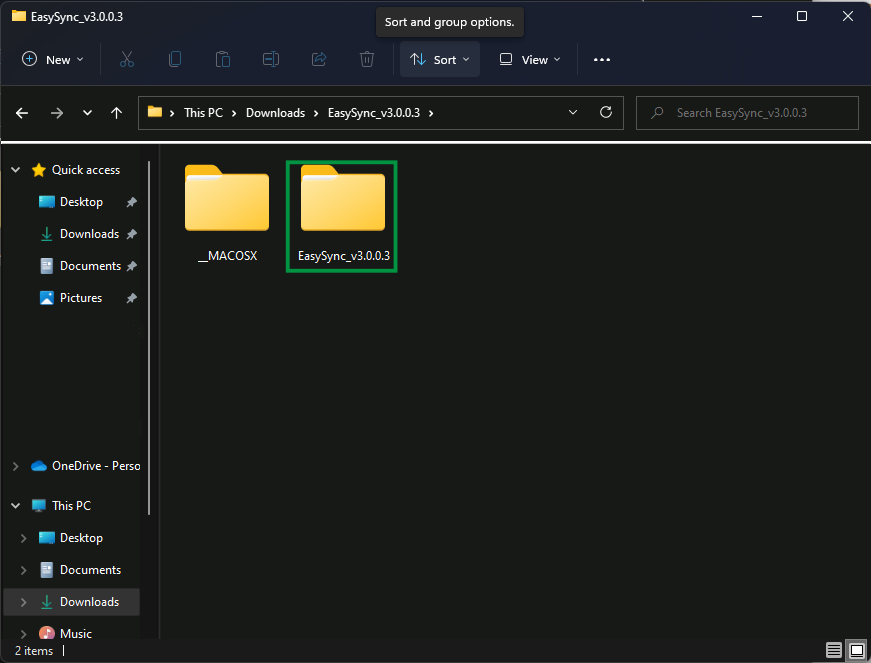
Double-click on the EasySync_v3.0.0.3 folder located inside the archive.
Double-click on the EasySyncSetup application.
-
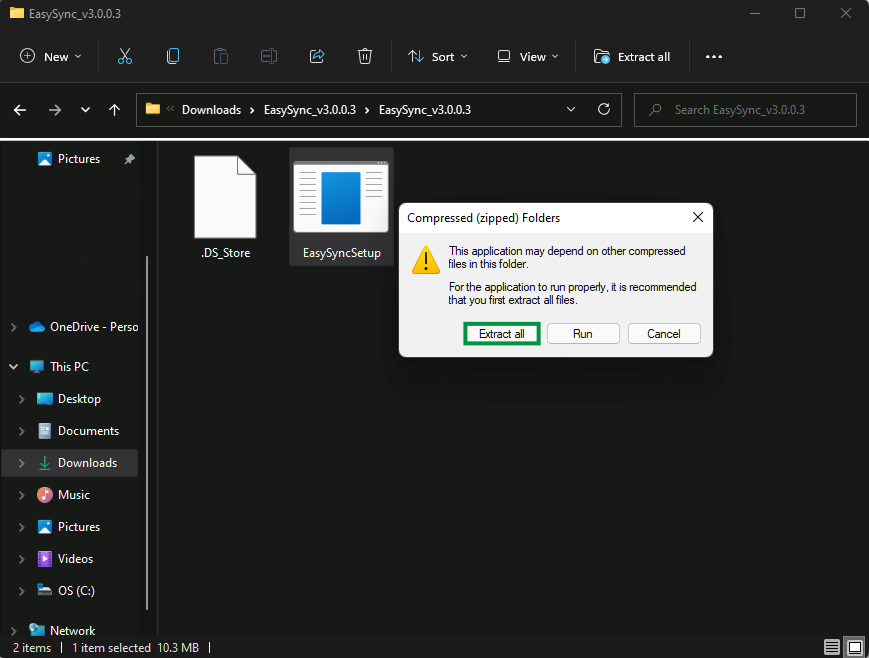
Click Extract All when the message pops up recommending that the application be extracted.
-
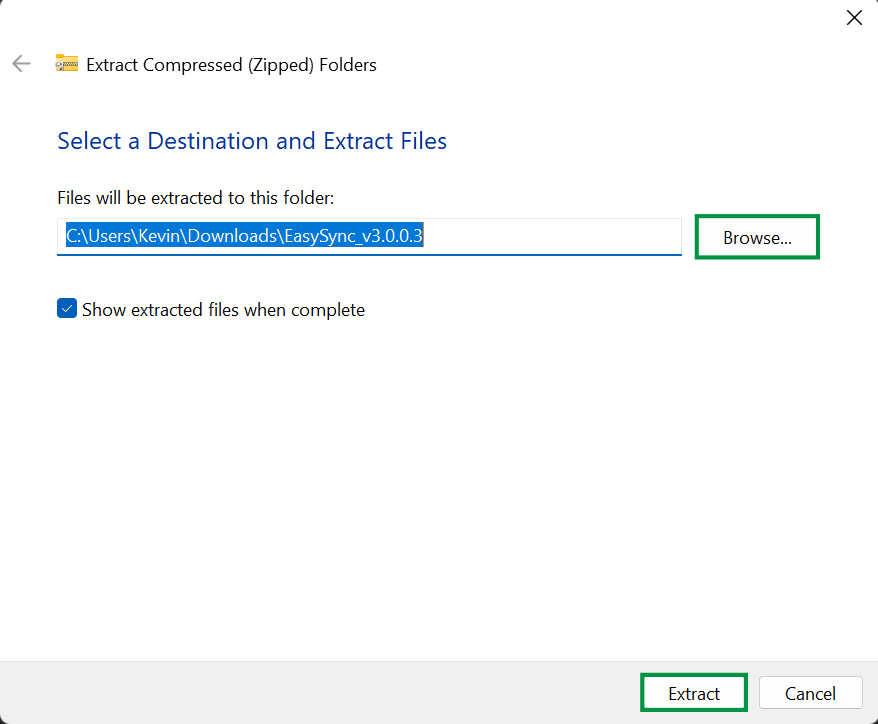
Click Browse to pick a new location if desired, and then click Extract.
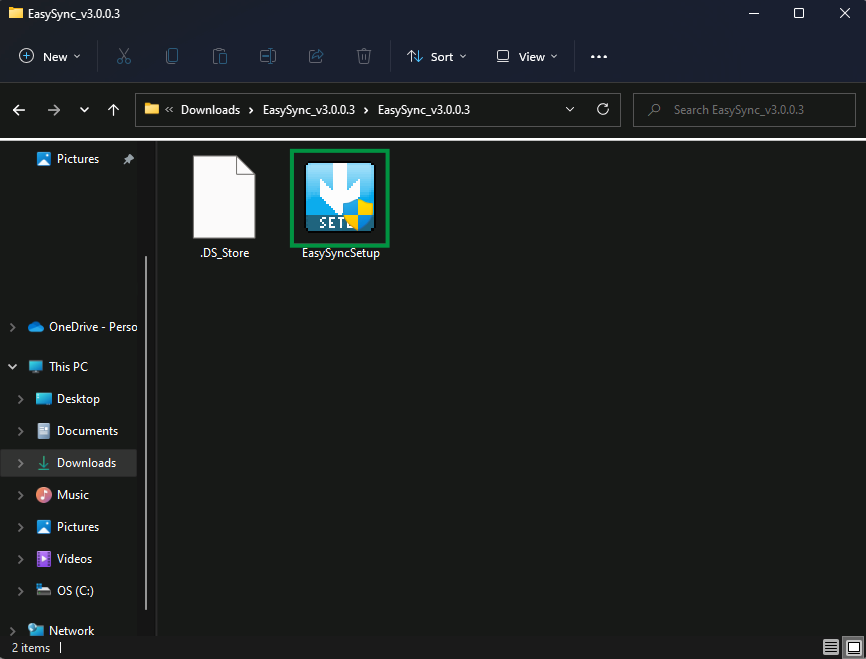
Click on the EasySyncSetup application within the extracted folder to start the installation process.
-
Click Yes to allow changes if Windows User Account Control (UAC) pops up and asks for permission.
-
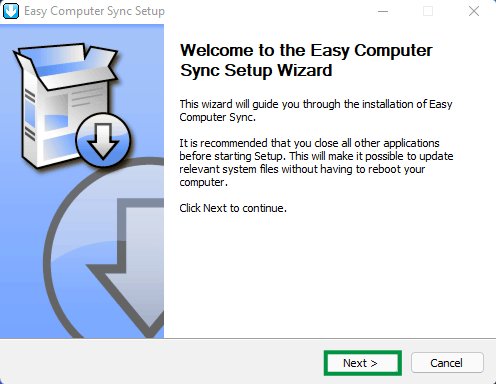
Click Next > on the software welcome screen to continue.
-
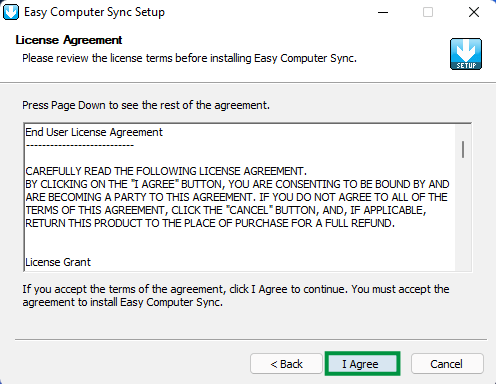
Read through the License Agreement and click I Agree when ready to move on.
-
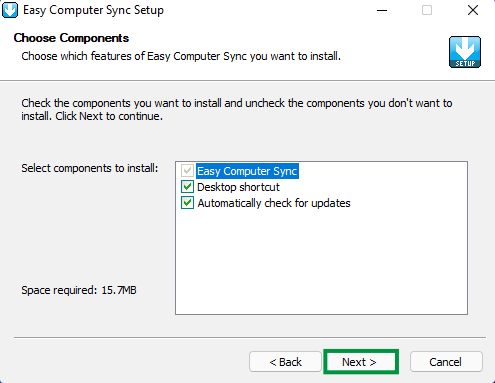
Leave the default component settings alone for easy operation and click Next >.
-
Keep the default installation location,
C:\Program Files (x86)\Bravura\Easy Computer Sync, or click Browse to pick a new folder. Then click Install.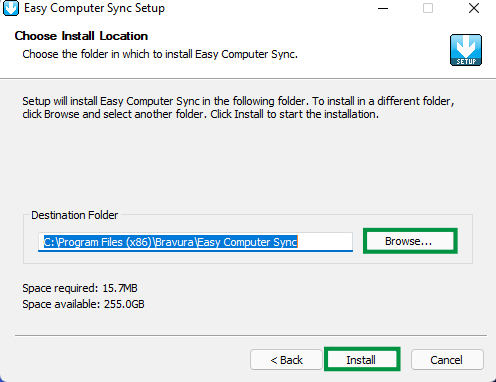
-
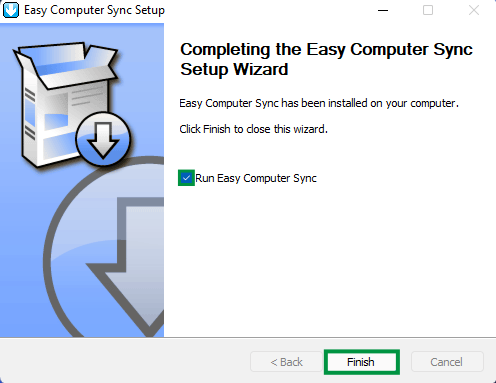
Click the box to uncheck the option to Run Easy Computer Sync, click Finish to exit the installer, and then restart both computers.
Expected Result
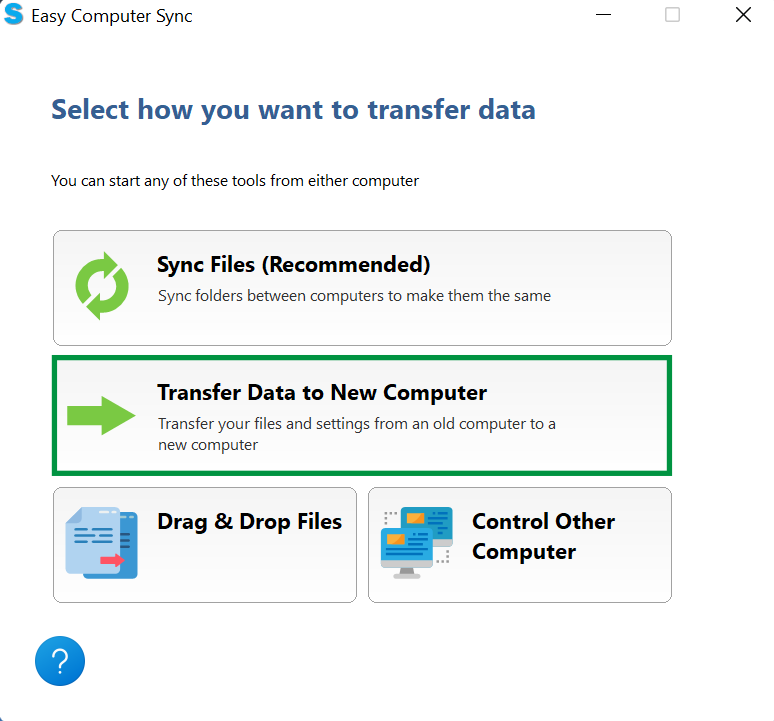
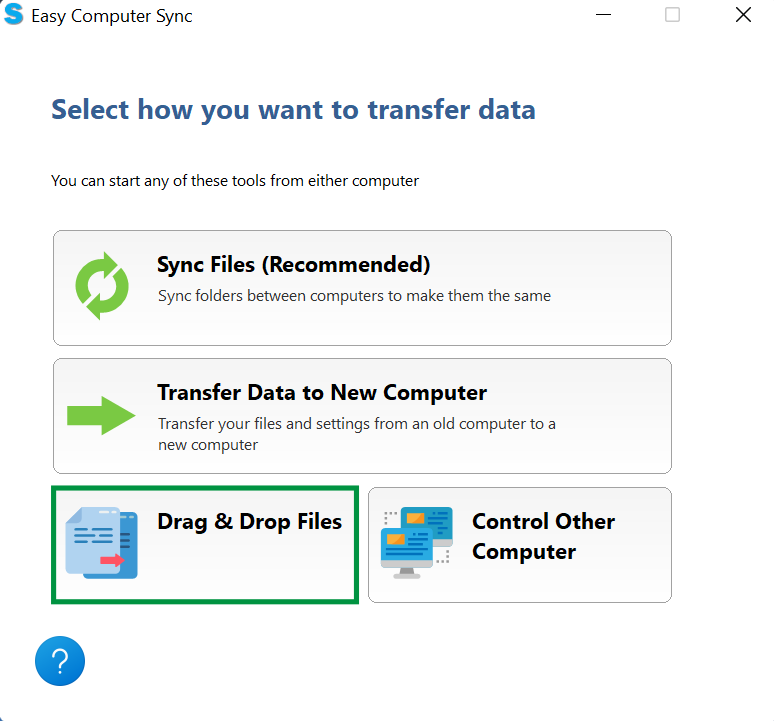
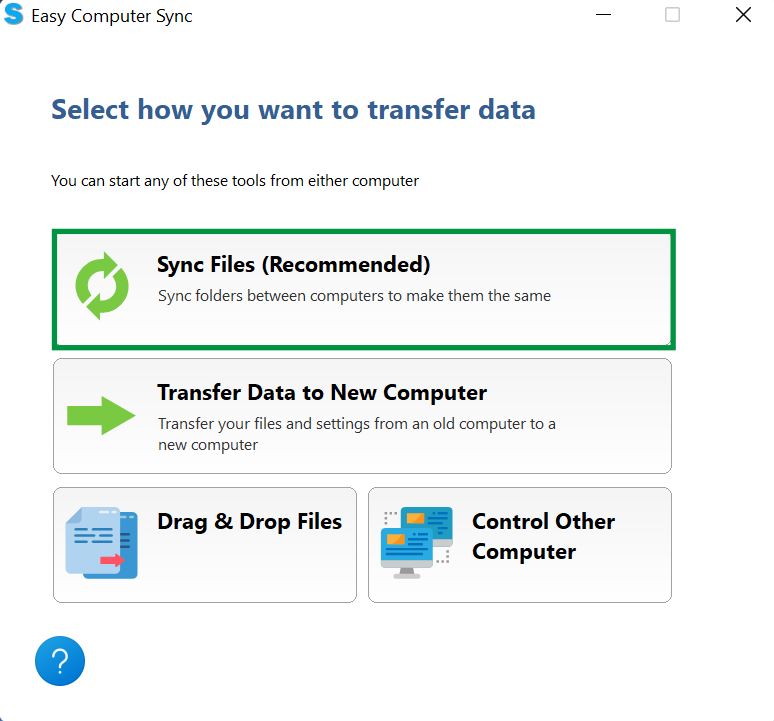
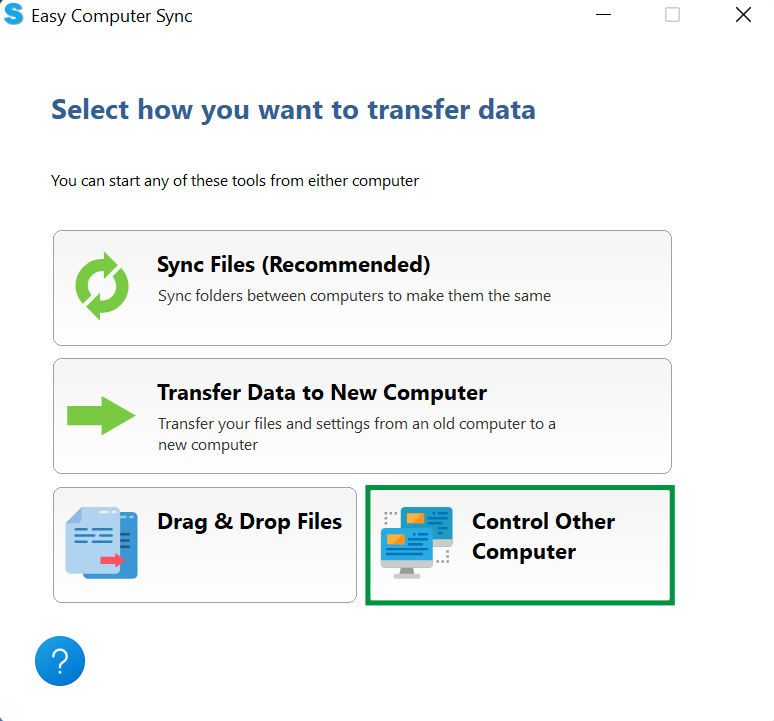
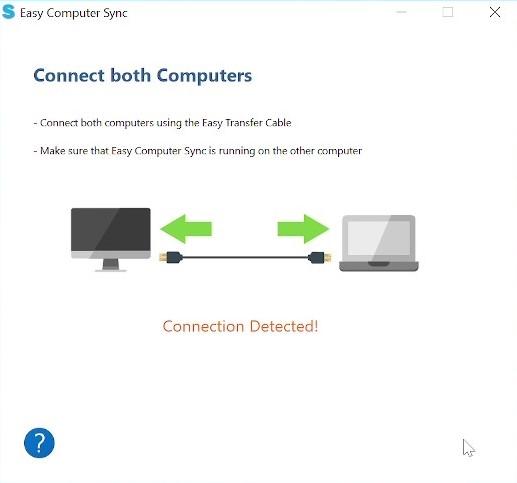
The software is successfully installed and ready to use. You can plug the cable in, start the software, make the connection, and choose your preferred transfer mode:
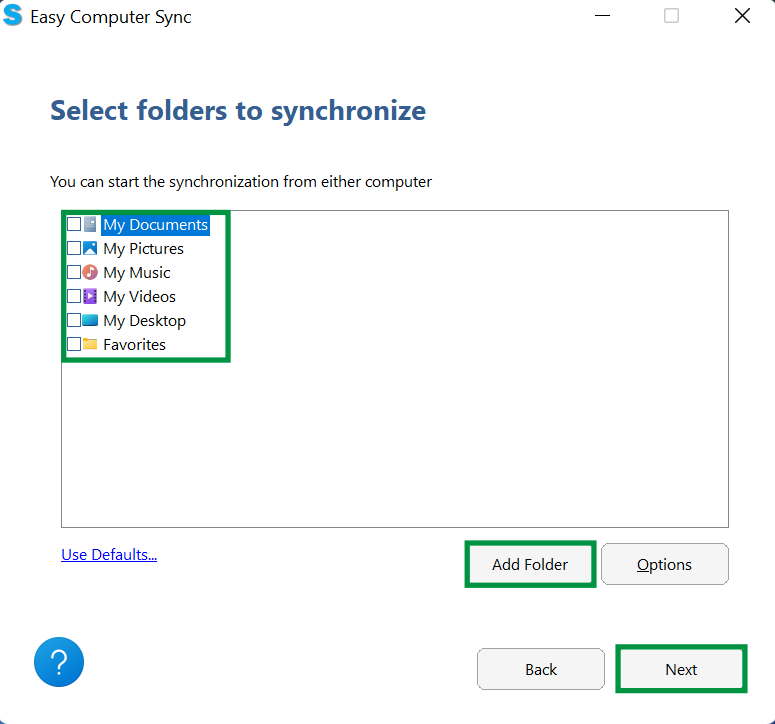
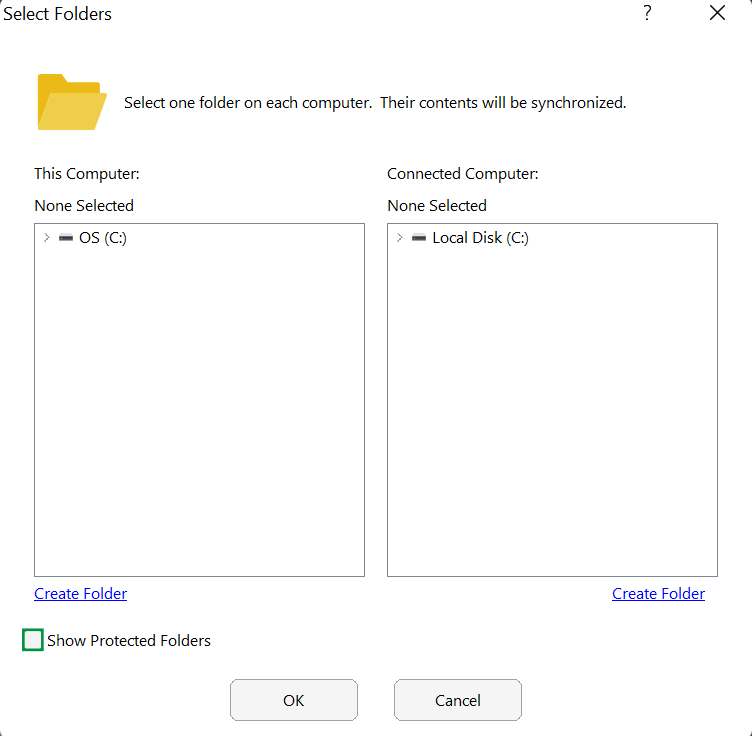
- Sync Files
- Transfer Data to New Computer
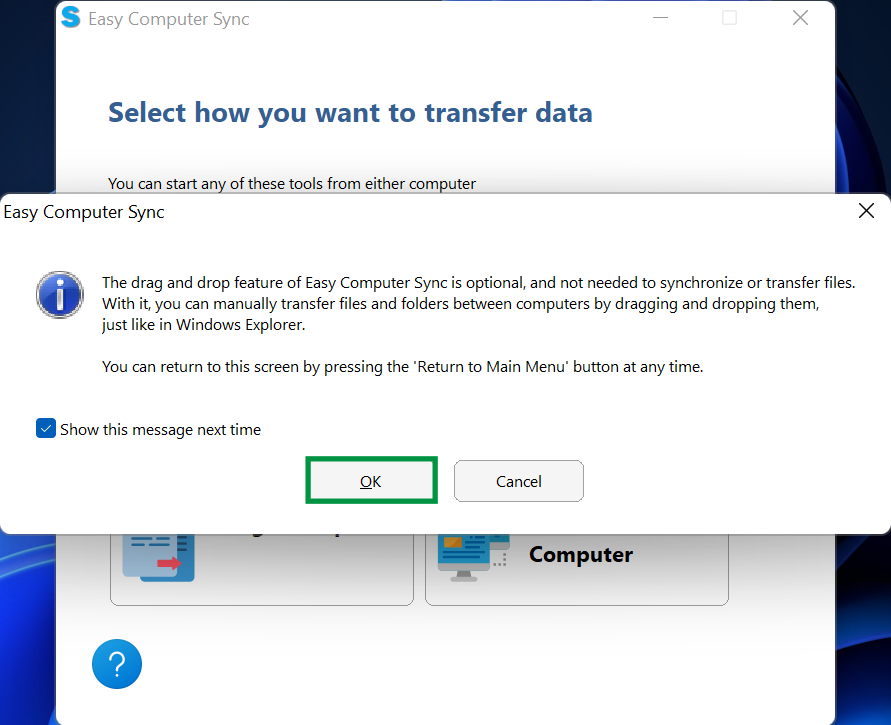
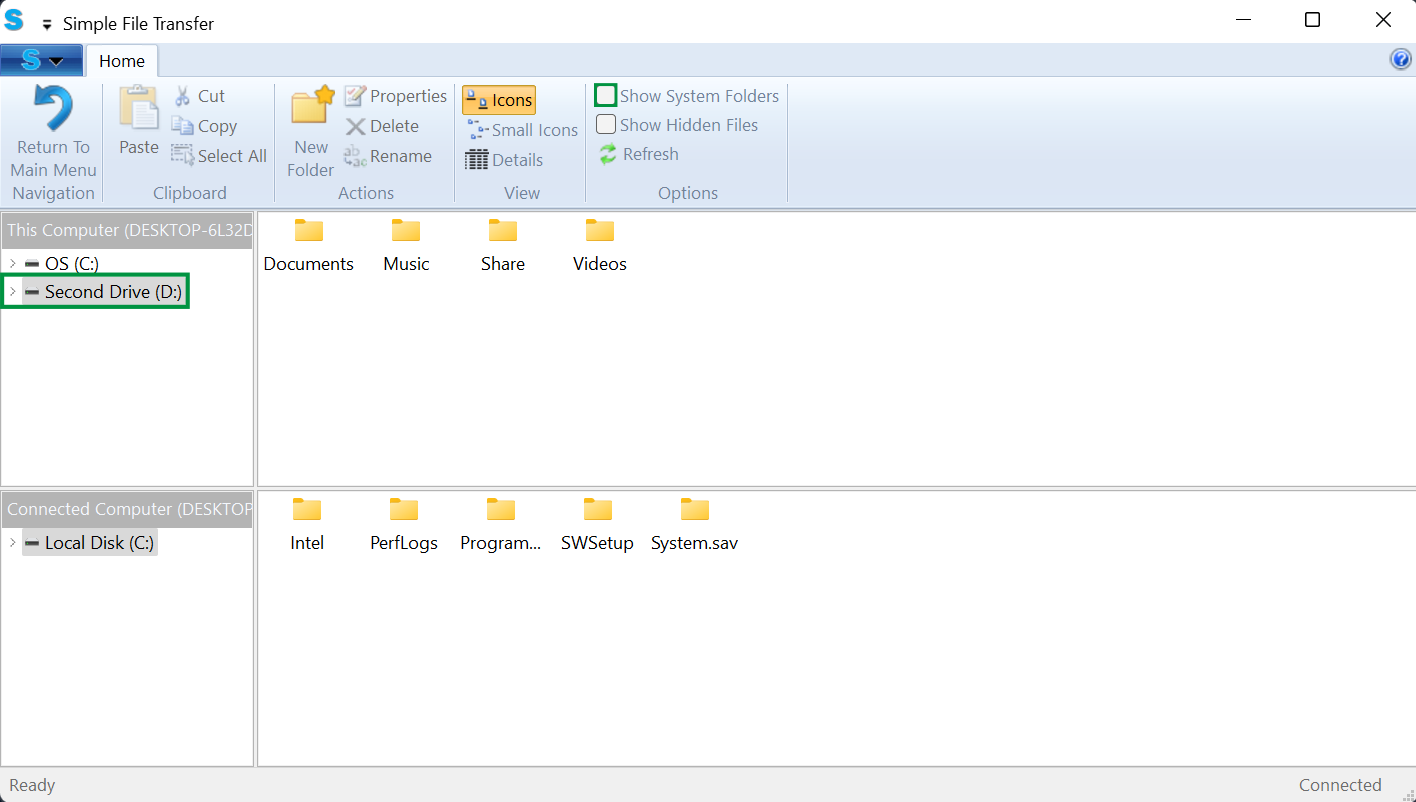
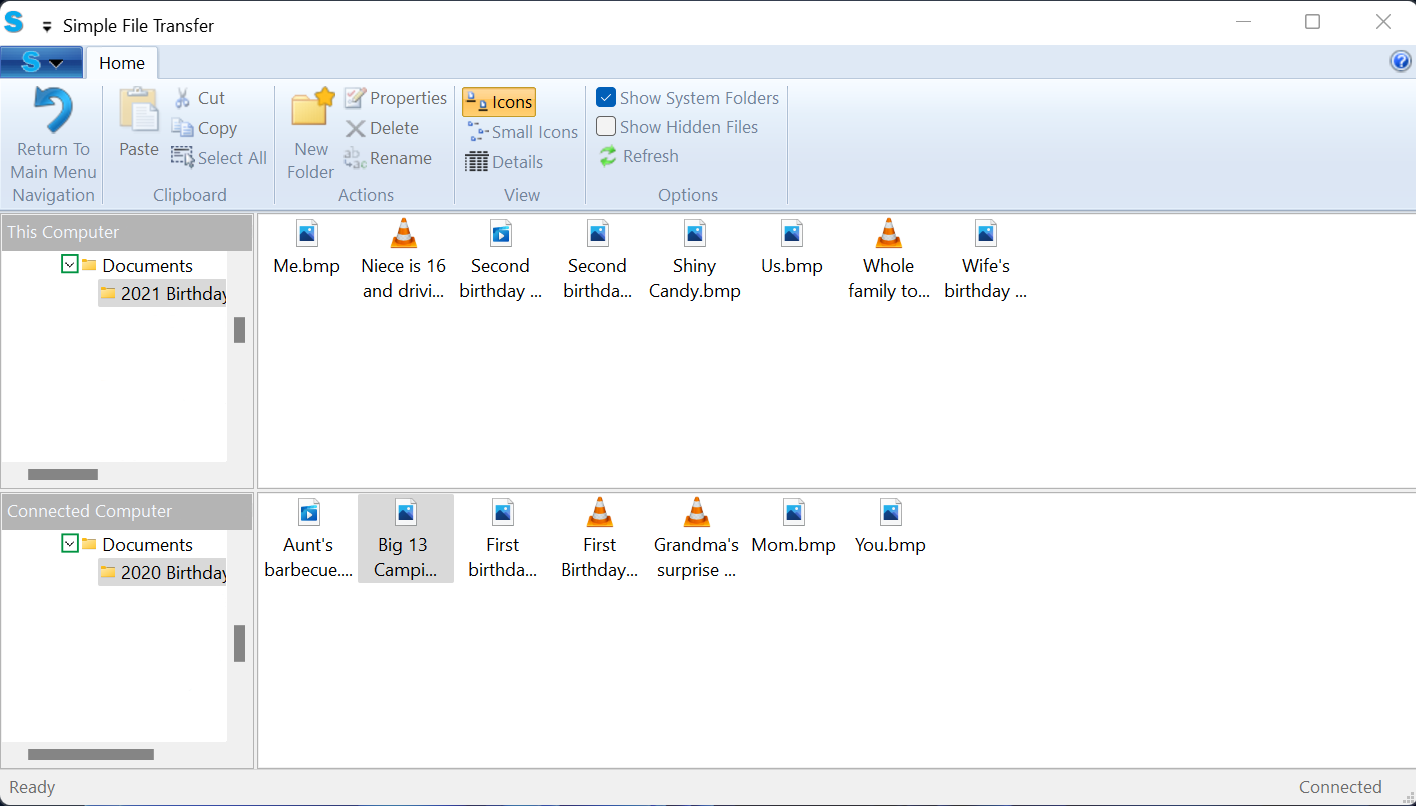
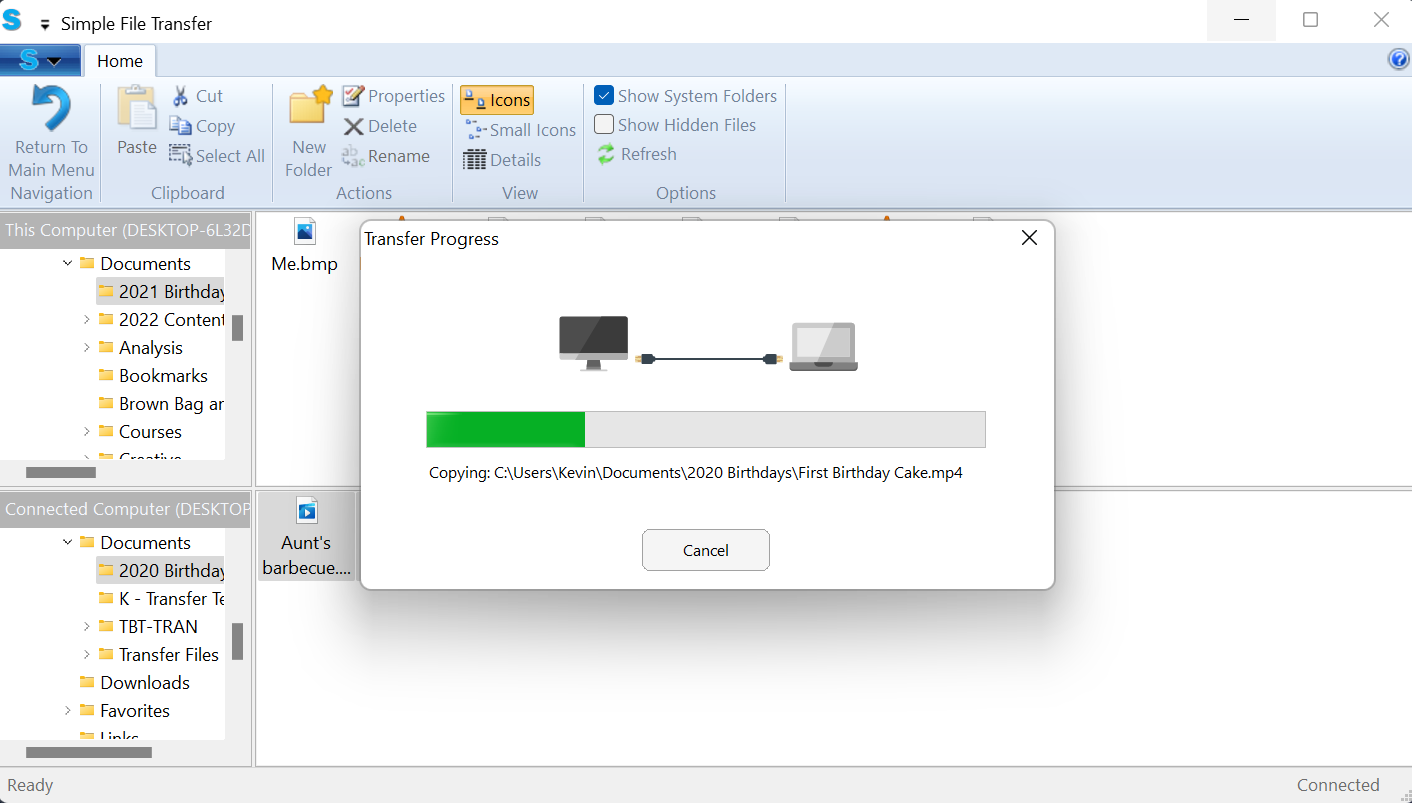
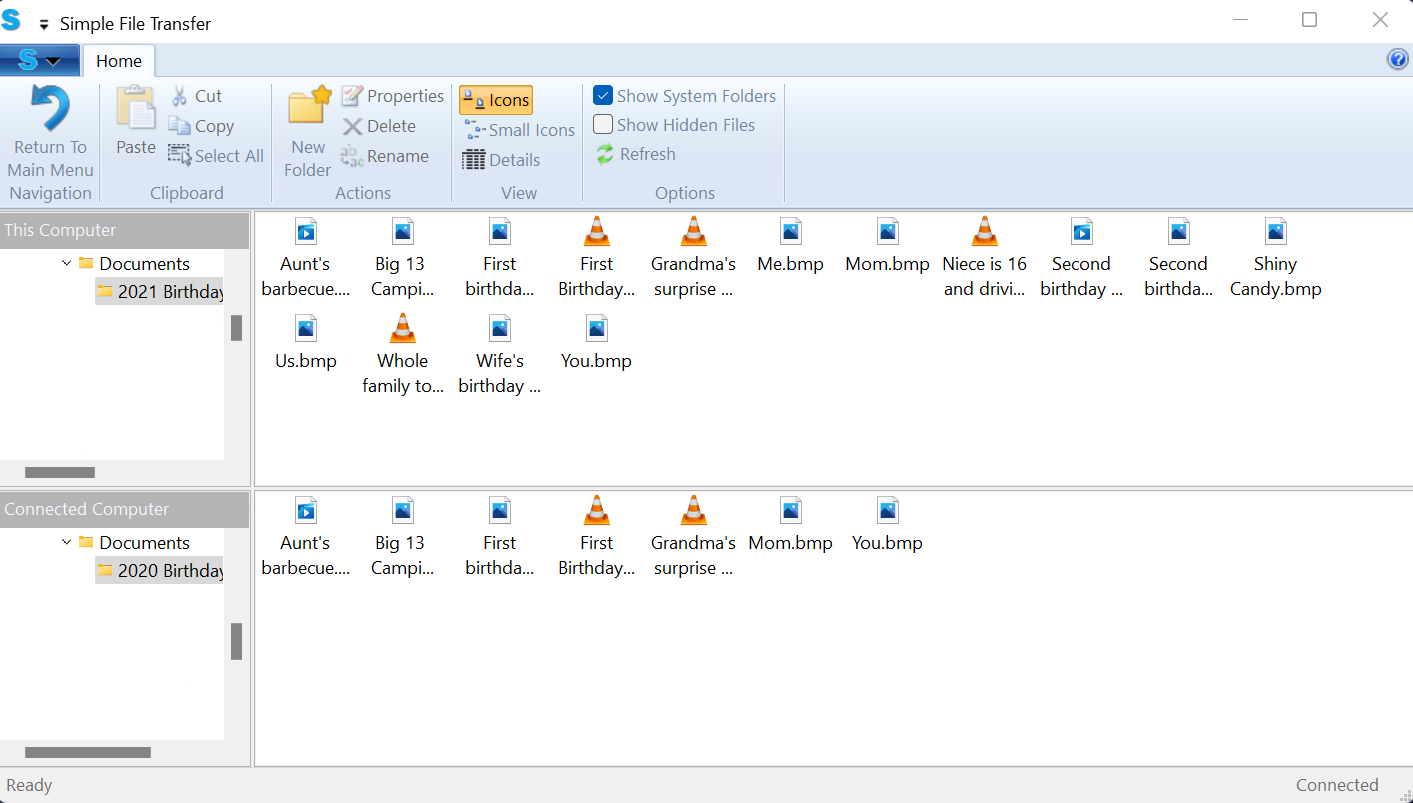
- Drag & Drop
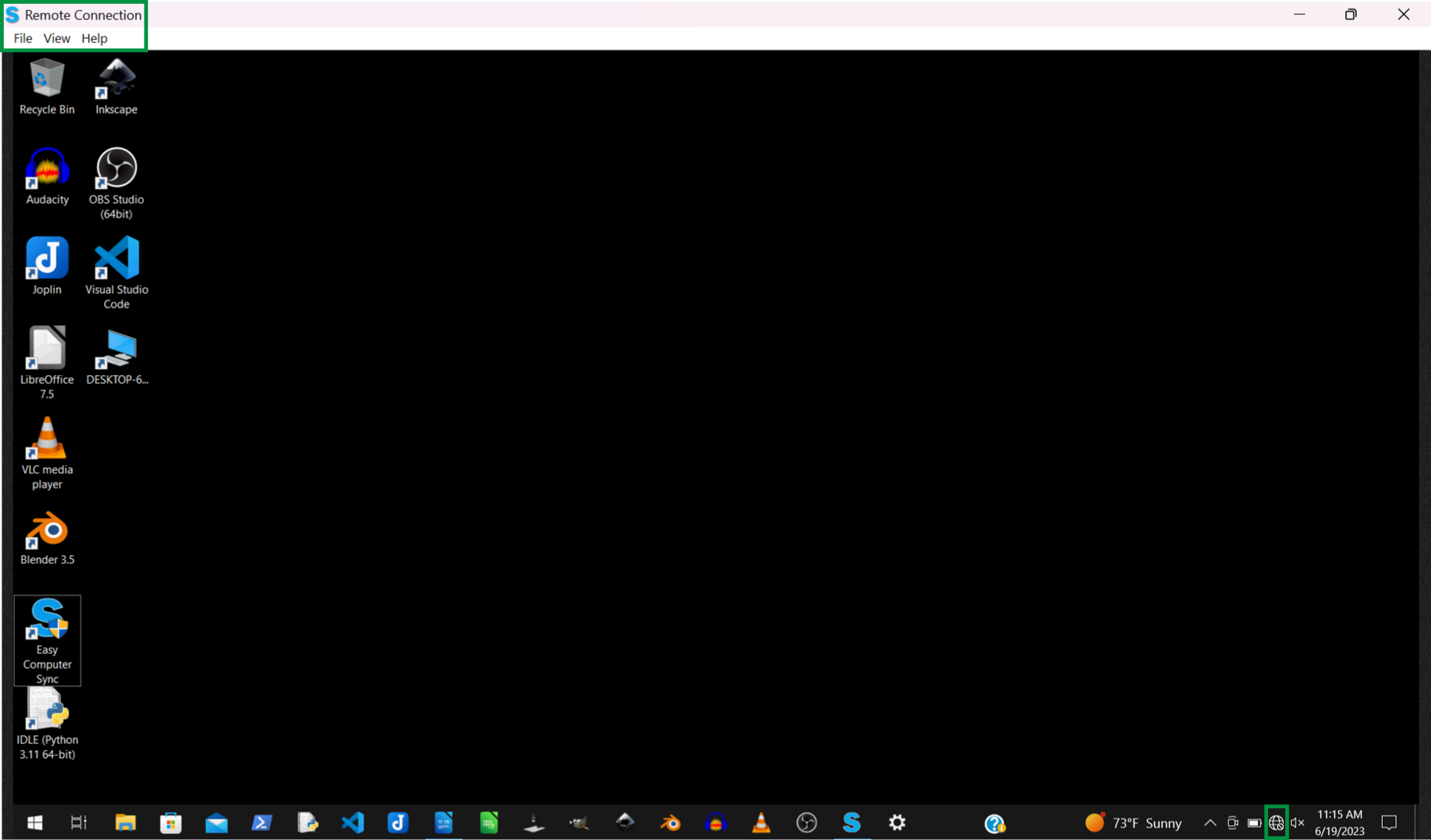
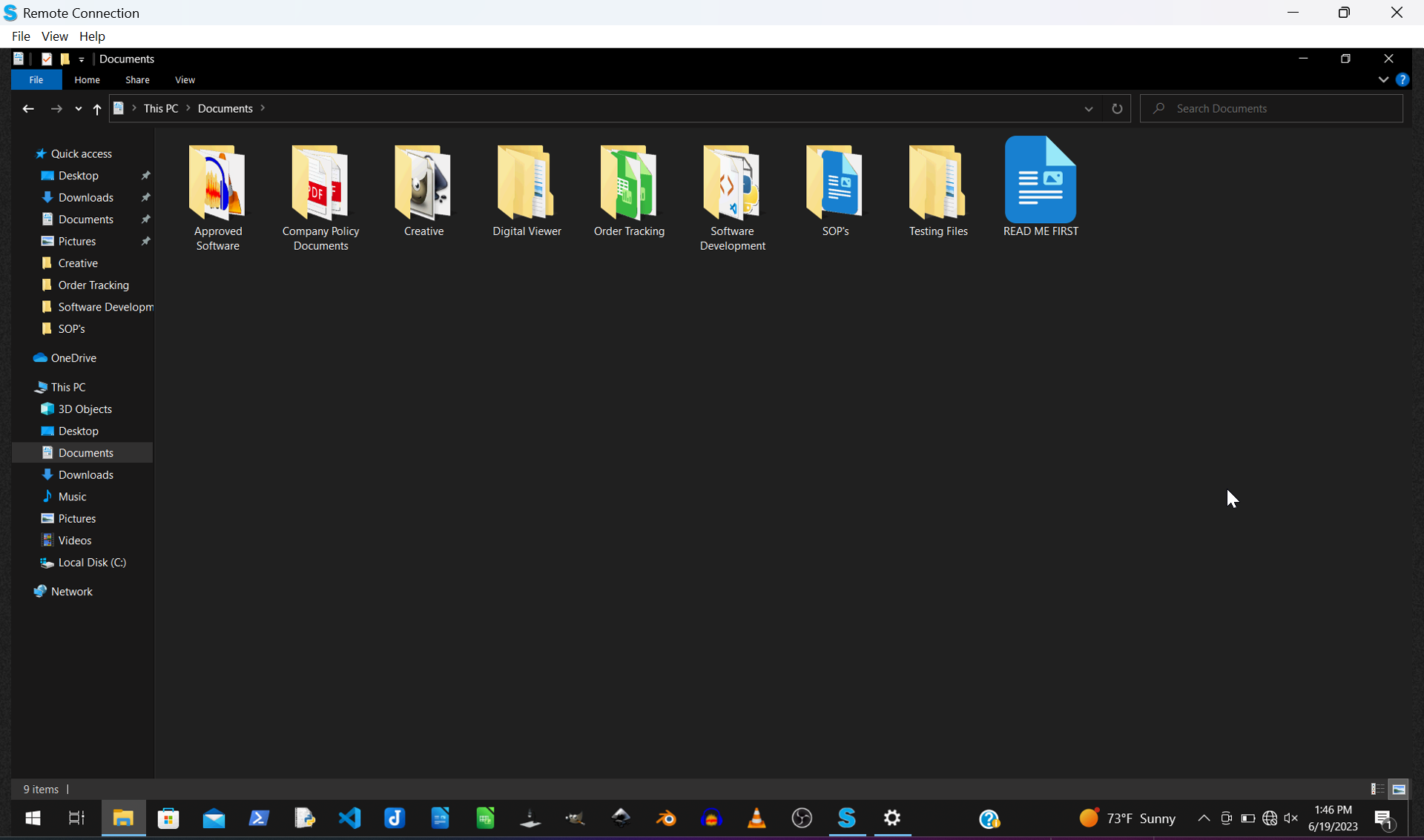
- Control Other Computer
If the Issue Persists
If you have any questions or concerns, feel free to reach out directly at support@plugable.com .